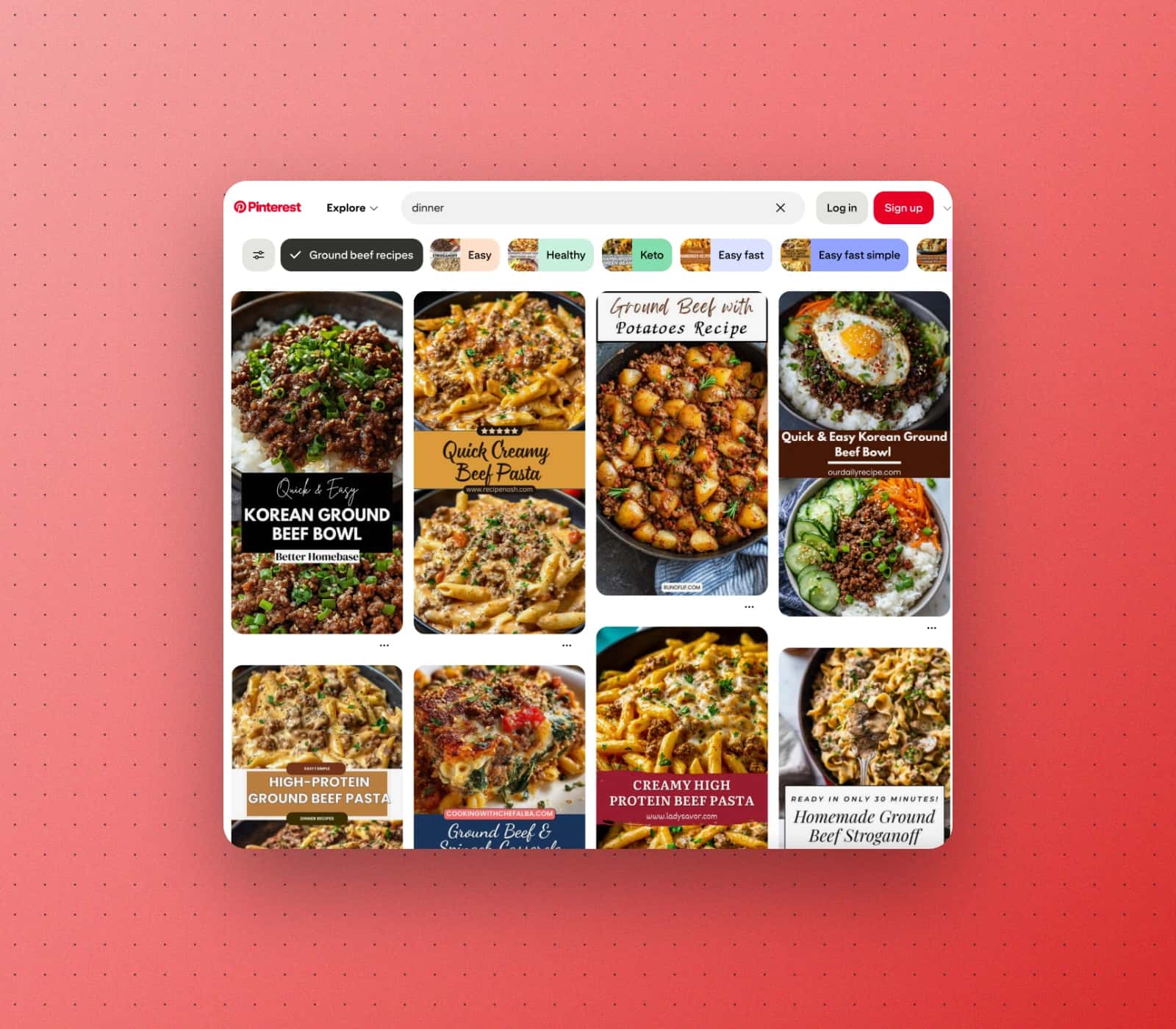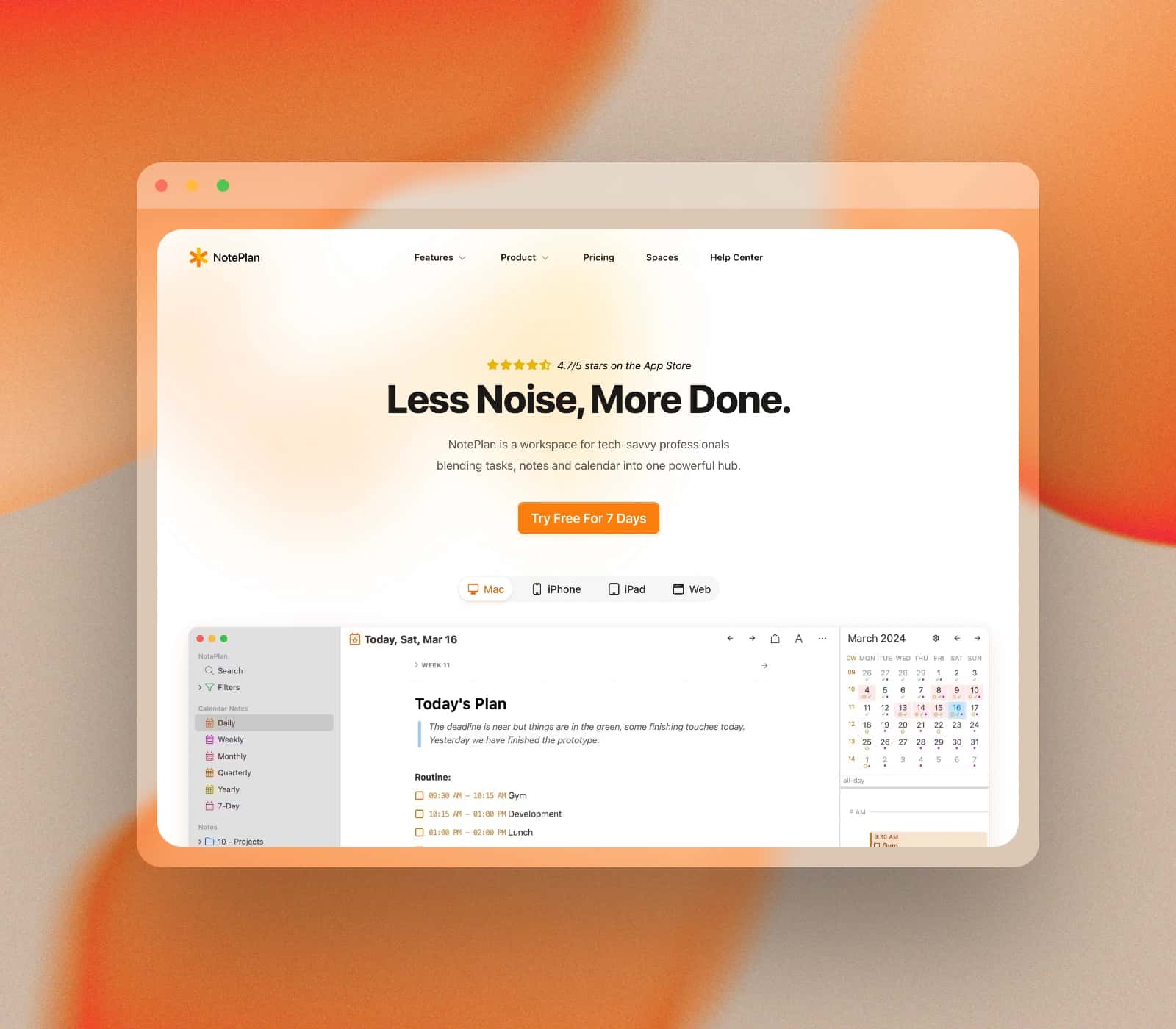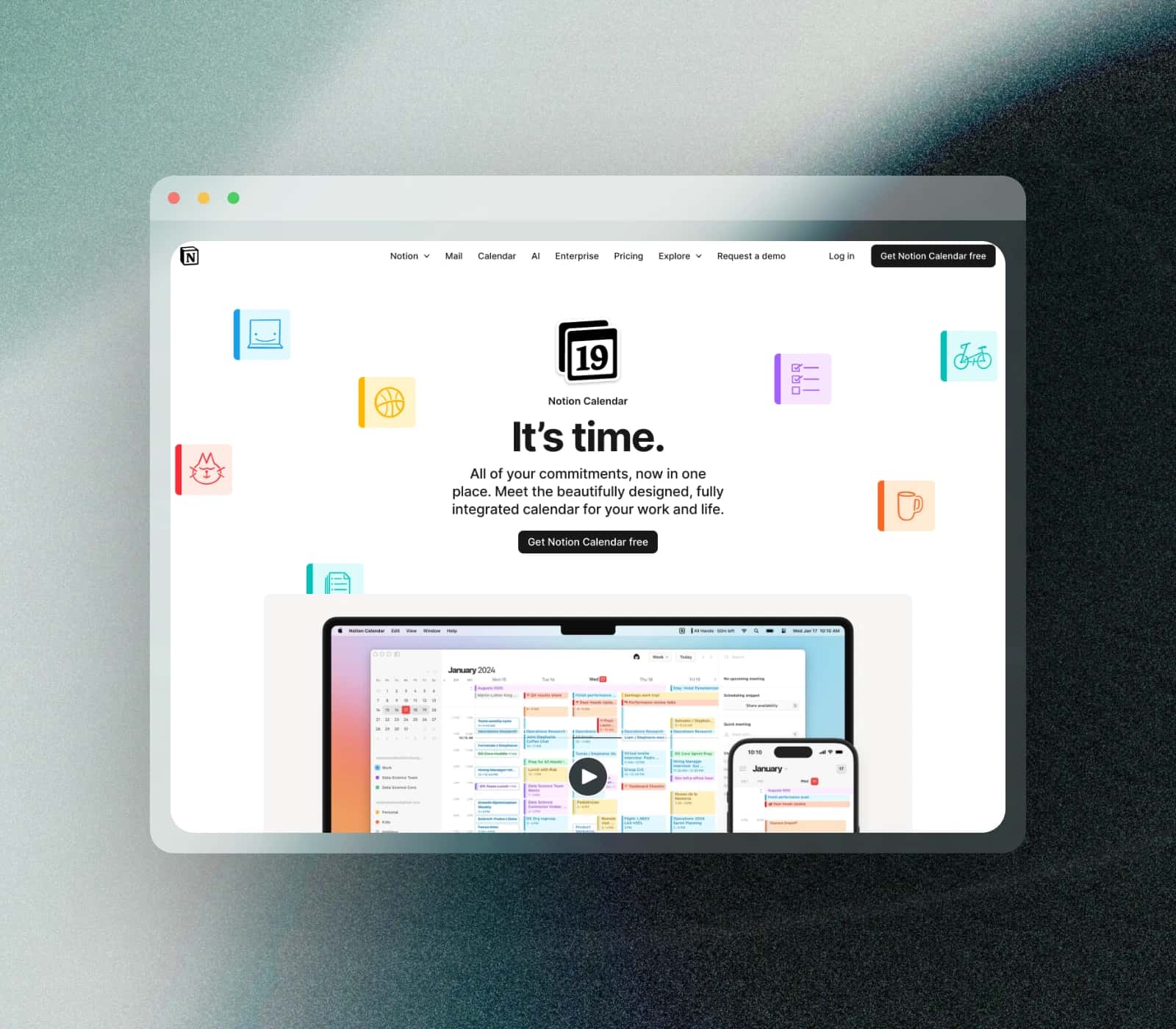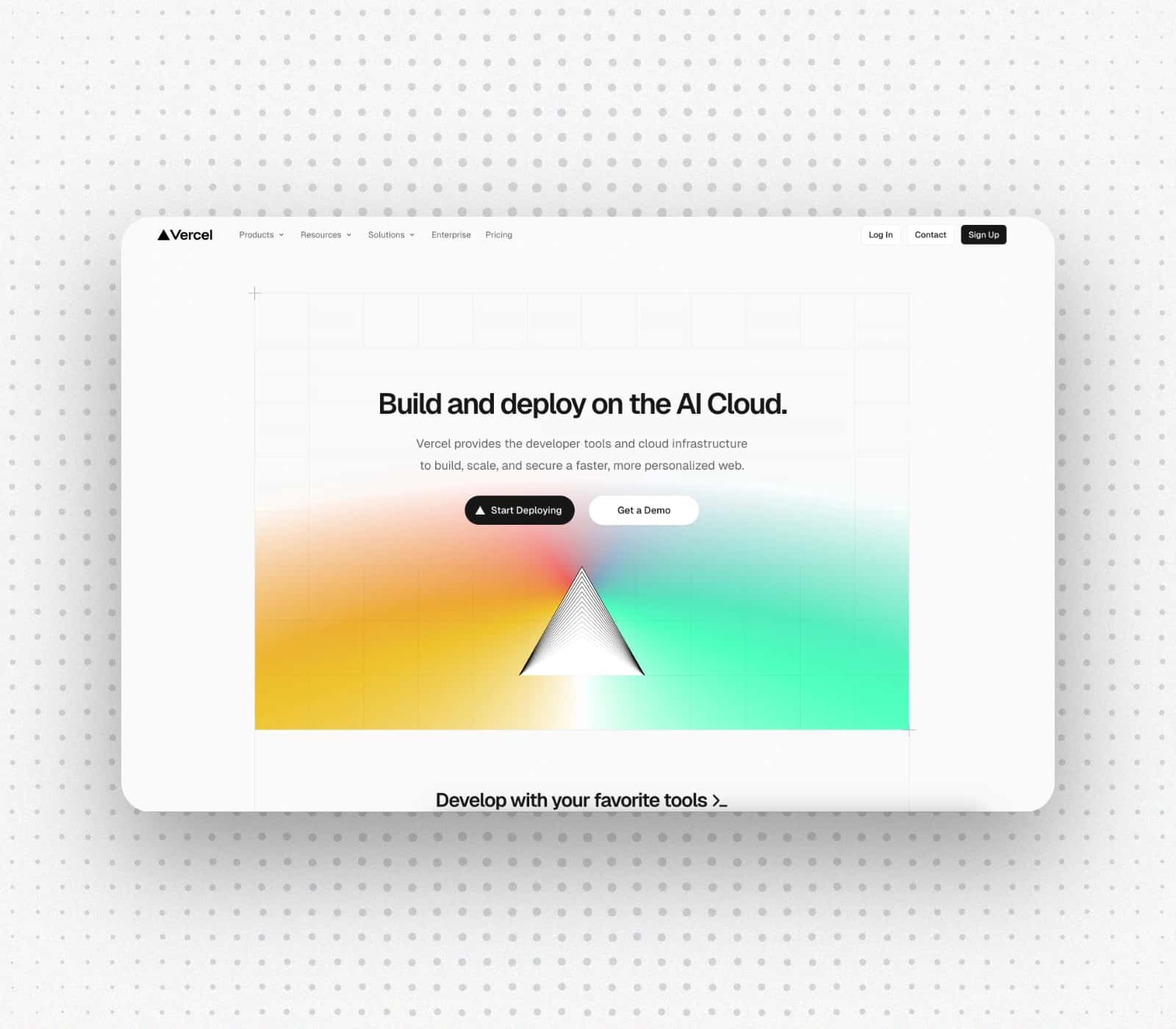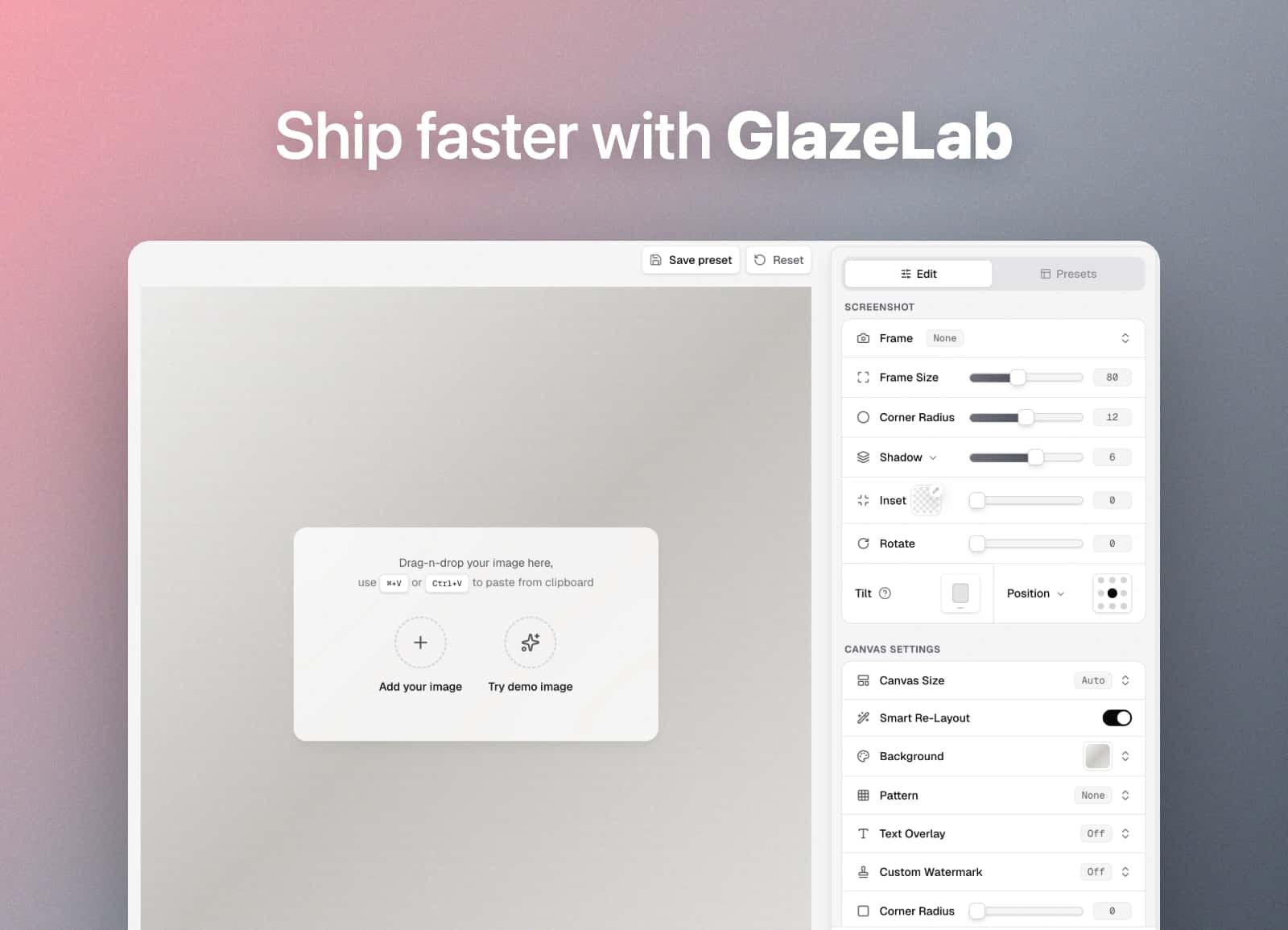
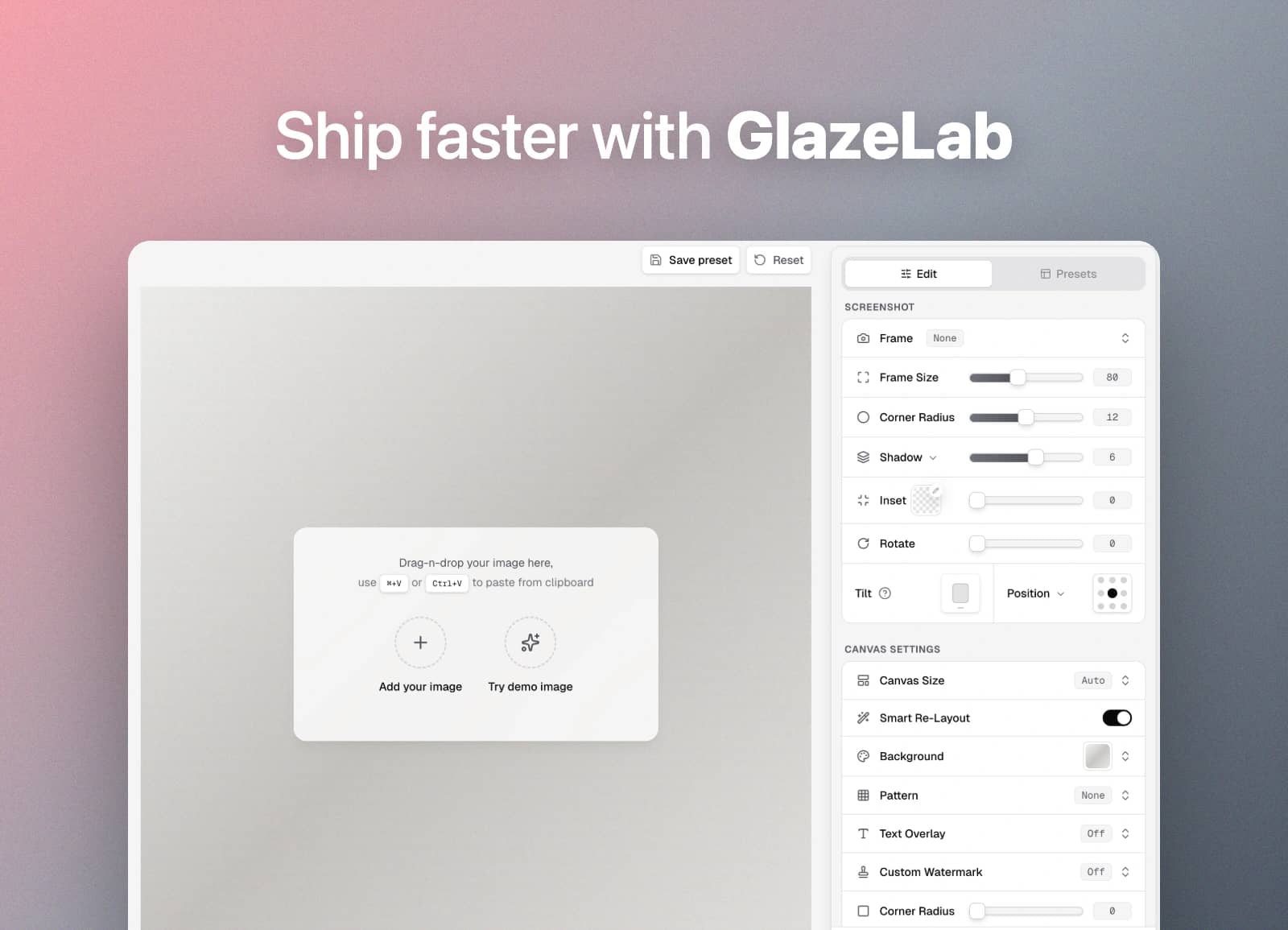
Drag-n-drop your image here,
use ⌘+V or Ctrl+V to paste from clipboard
Screenshot Editor ToolEdit screenshots, fast.
GlazeLab is a screenshot editor tool that turns raw captures into clean, share-ready visuals with frames, backgrounds, and consistent styling.
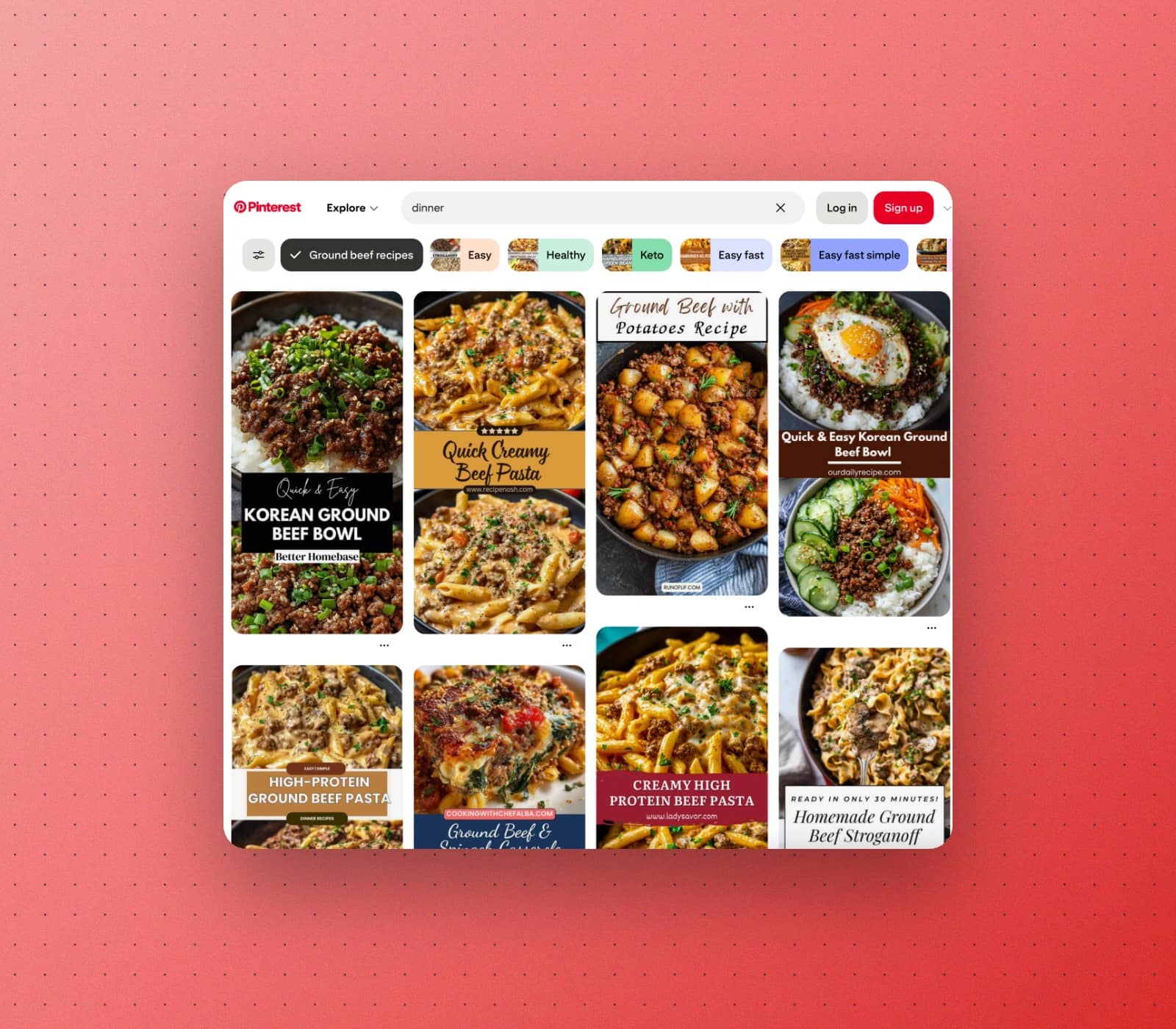
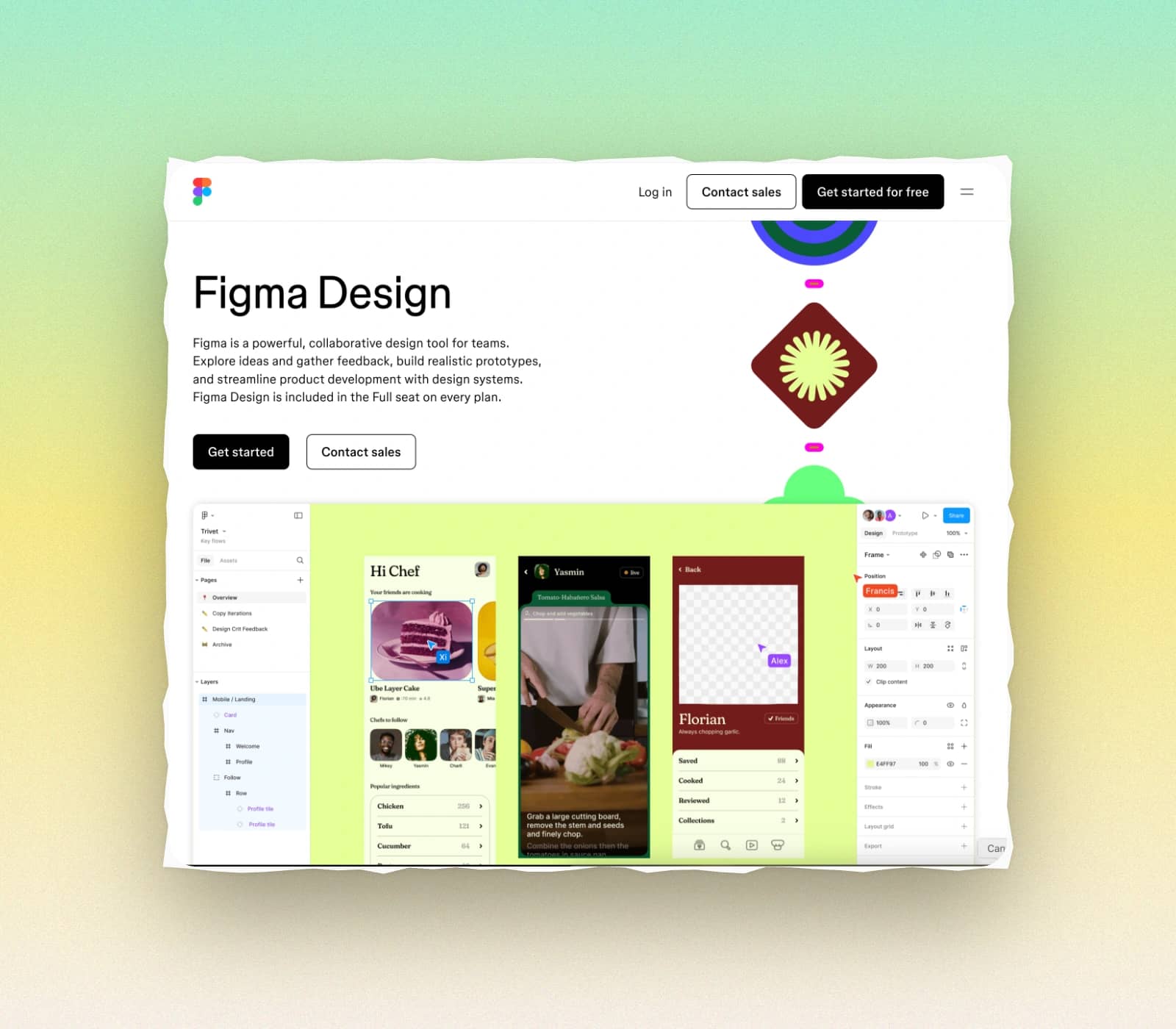
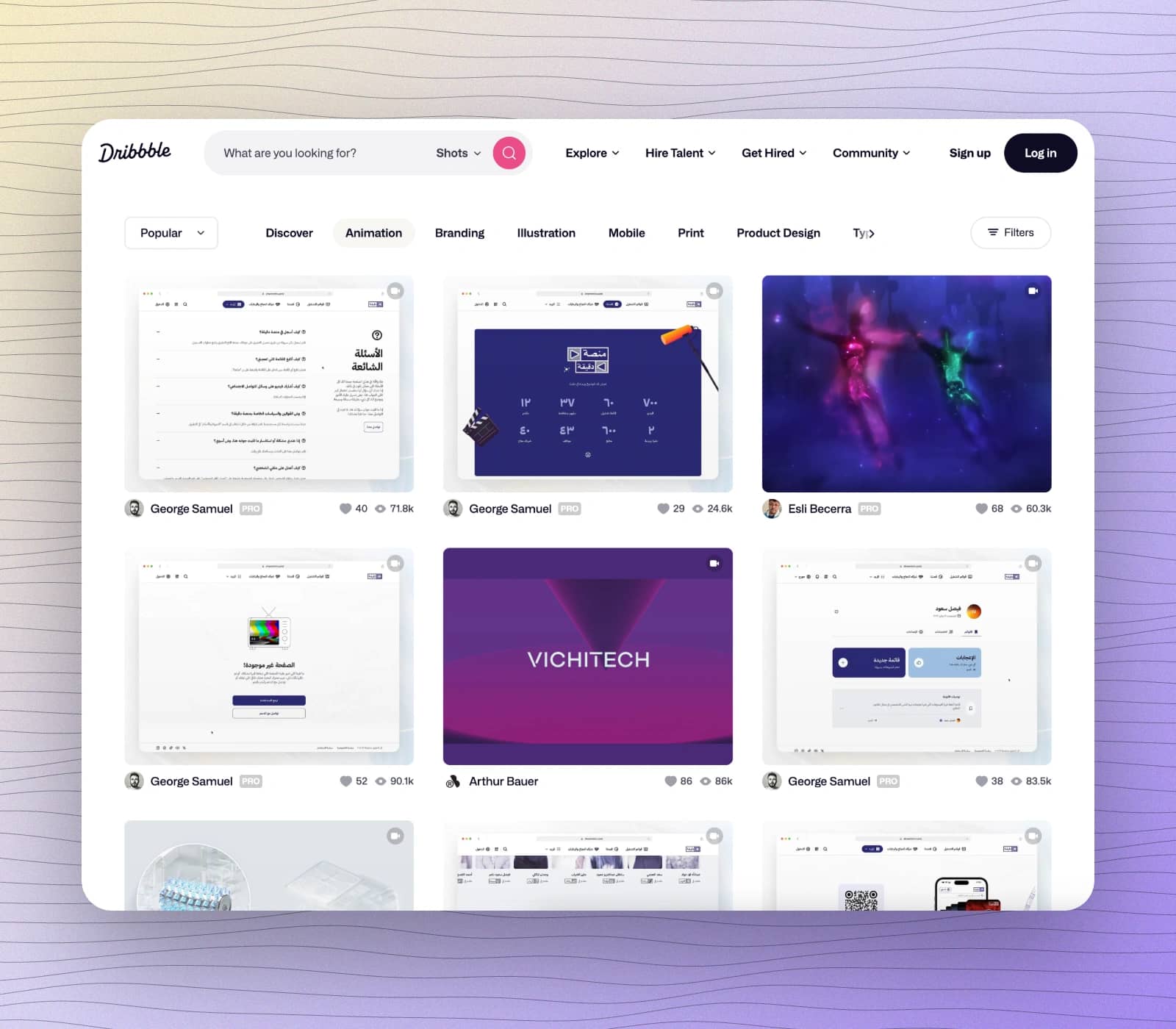
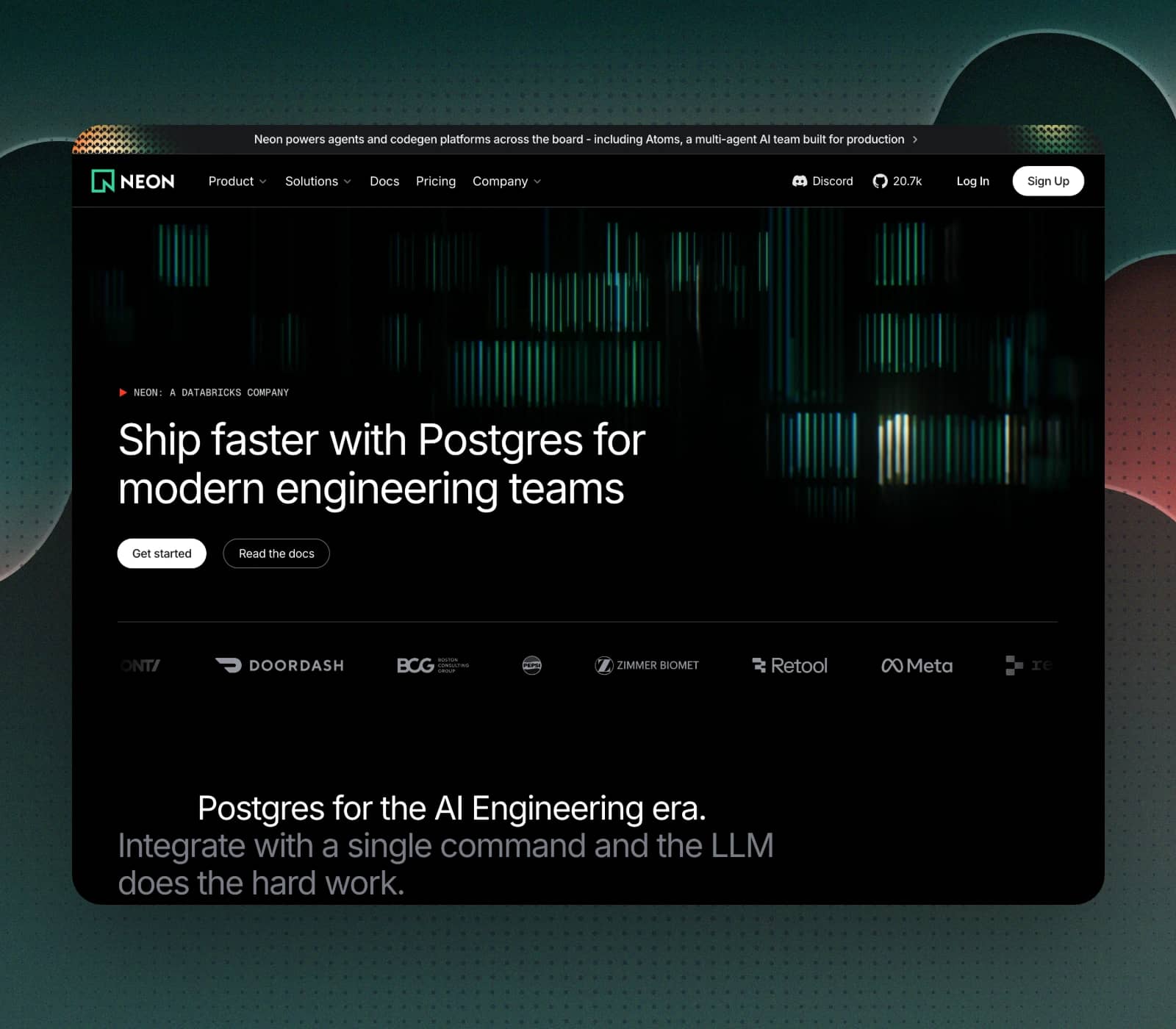
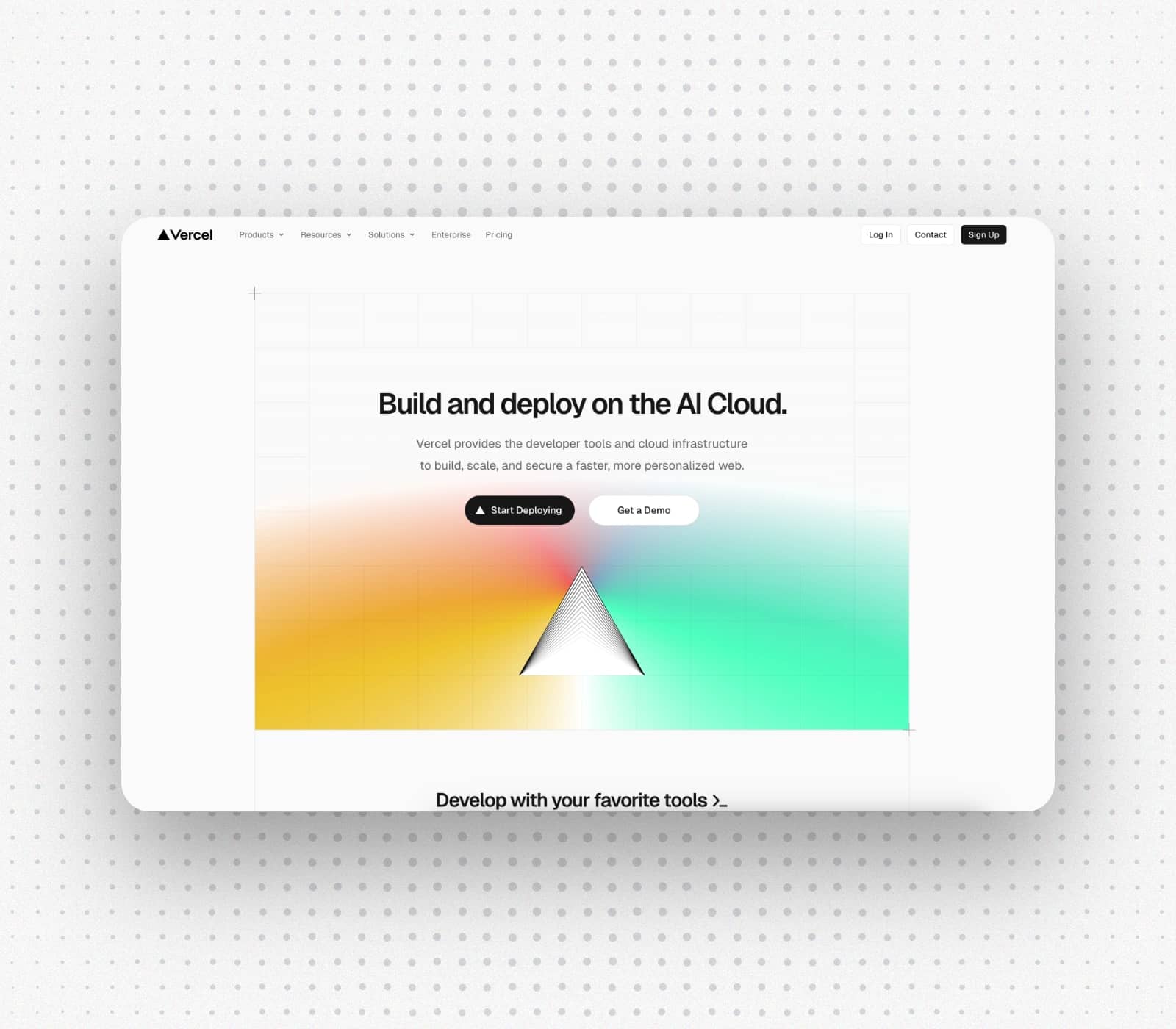
Everything you need in a screenshot editor.
All the essentials of a screenshot editor, without the bloat of pro design suites. Fast to learn, consistent by default, and built for shipping polished visuals in minutes.
Browser Frames
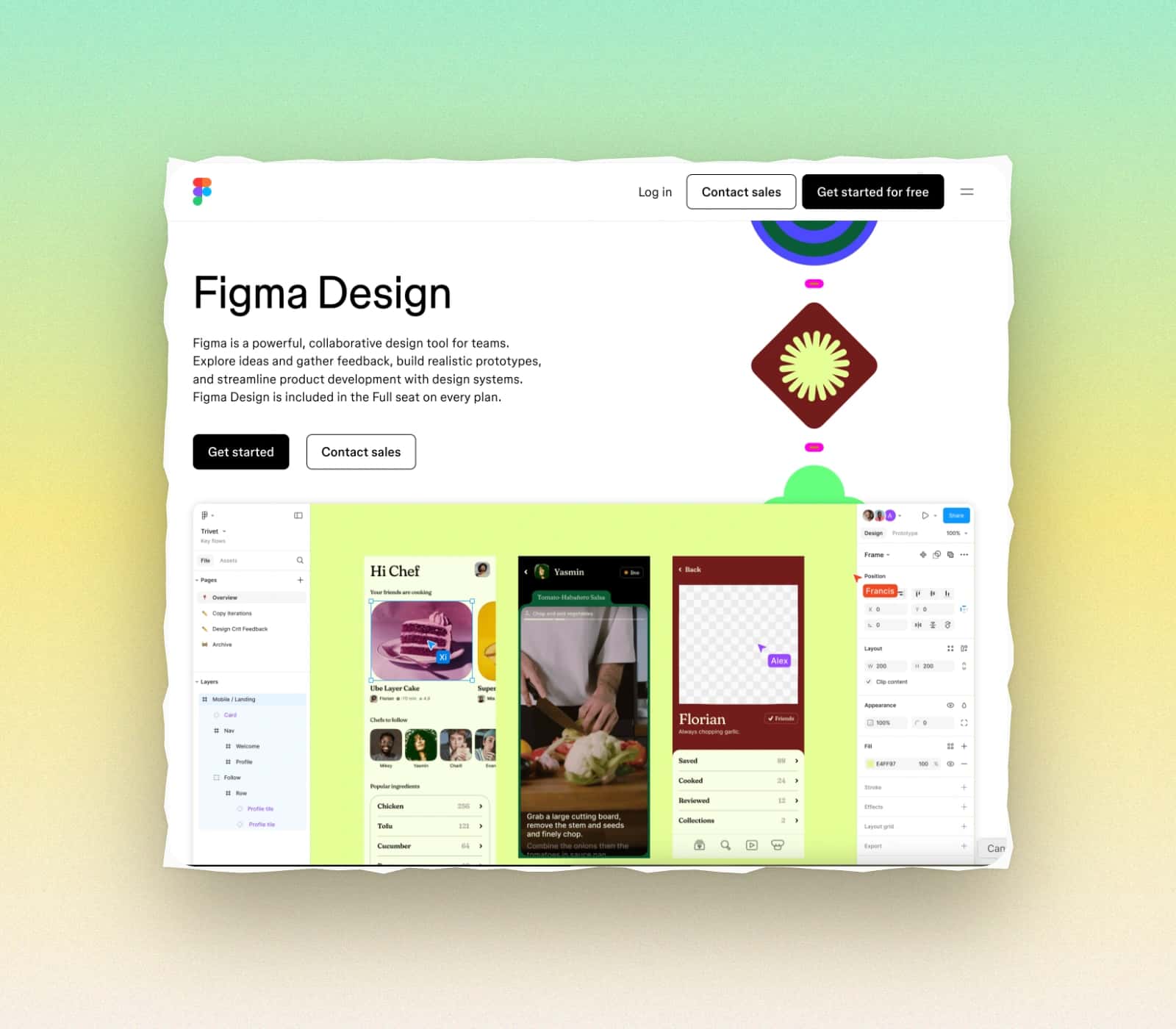
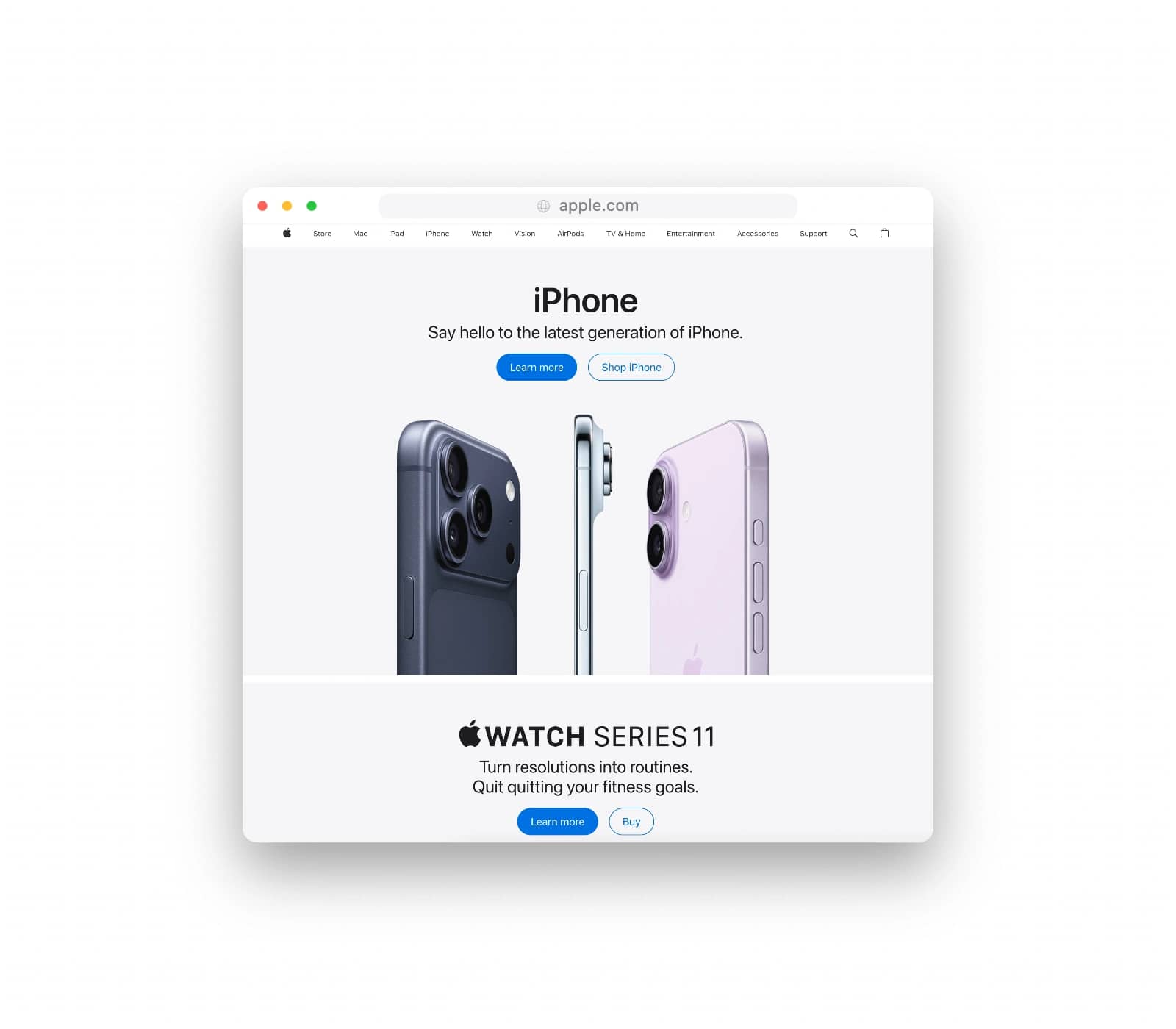
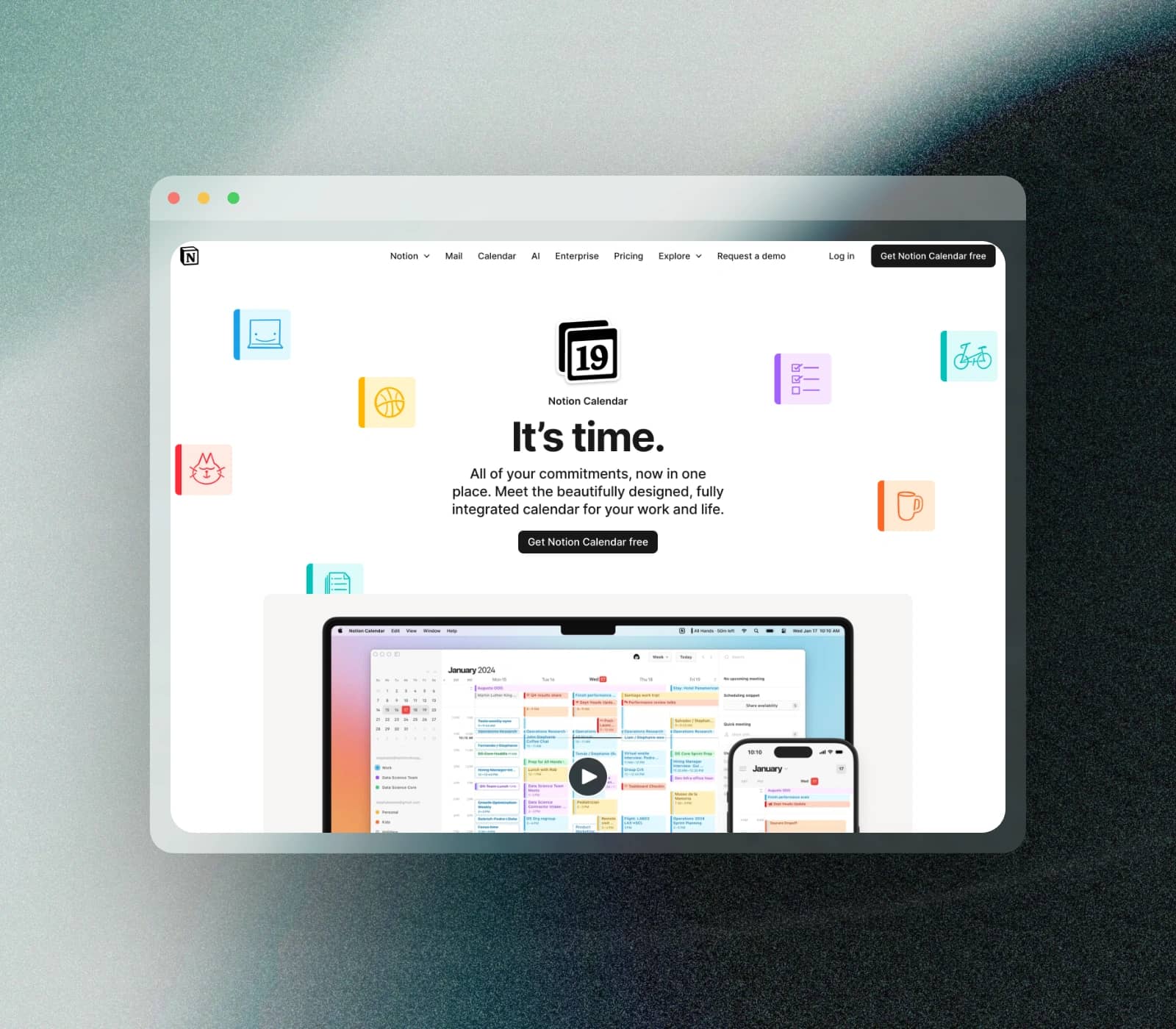
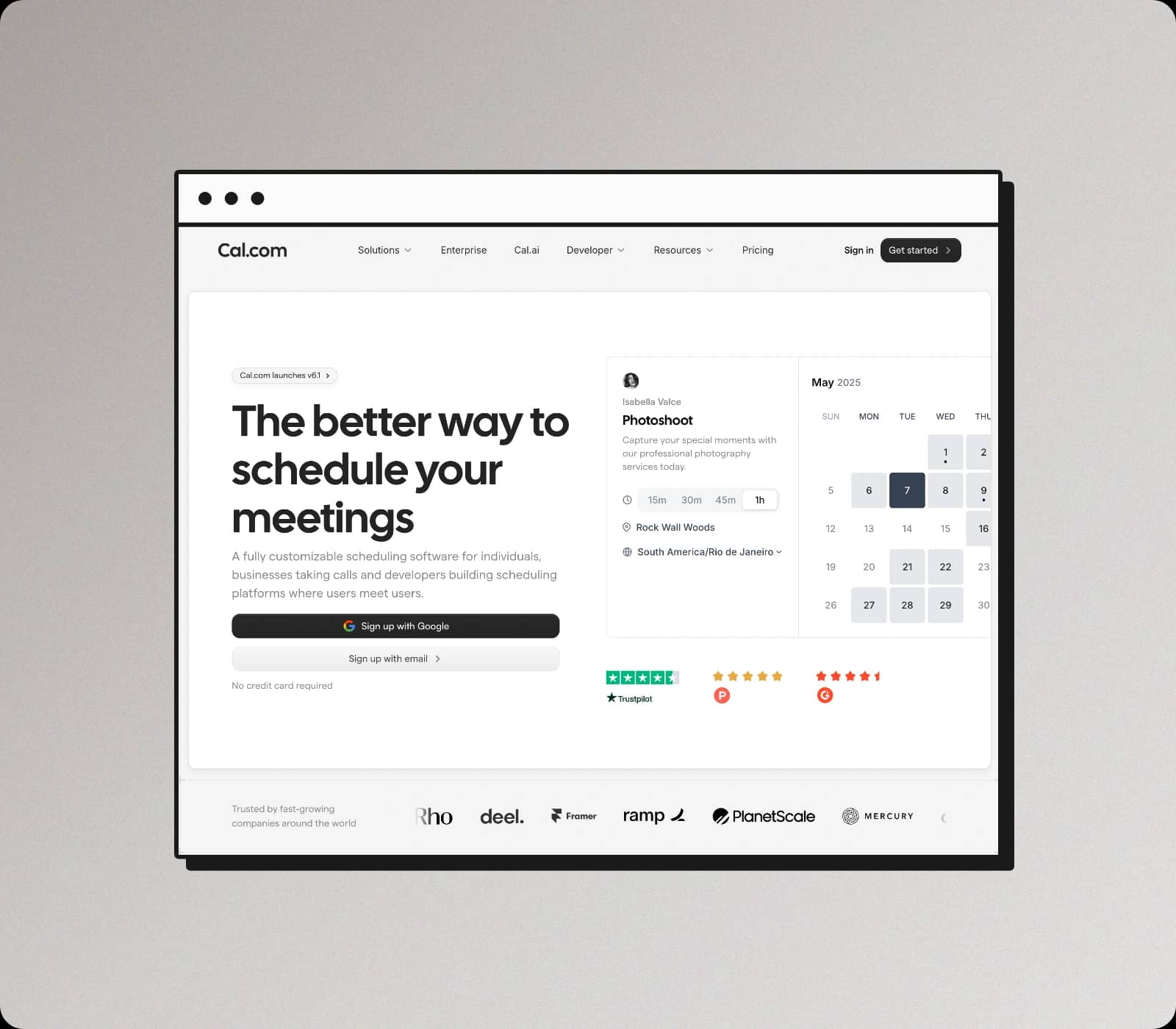
Clean MacOS, Windows, and minimal frames with crisp spacing and realistic chrome, so your screenshots look instantly “ready to share”.
Studio Backgrounds
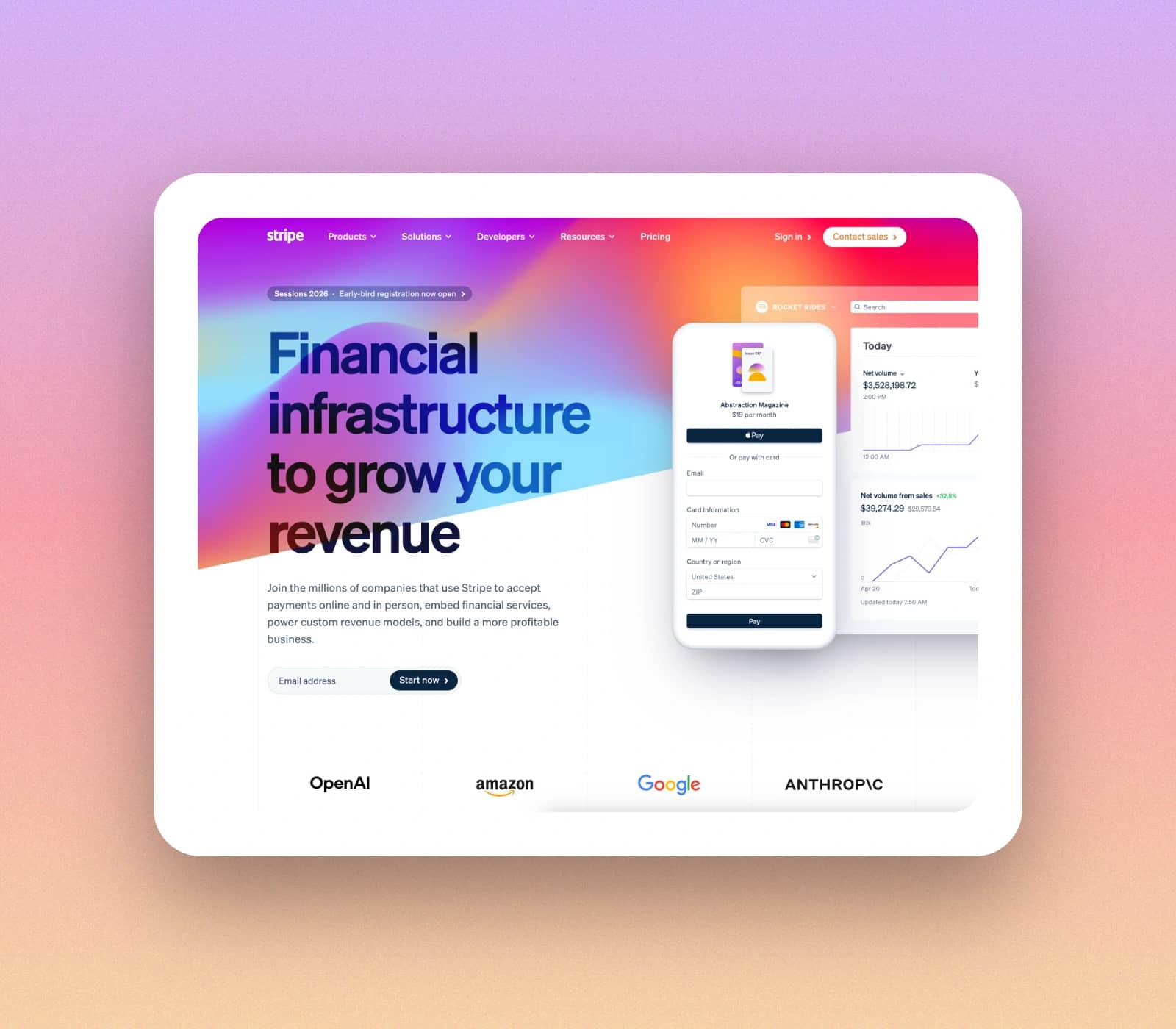
Gradients, solid colors, and mesh patterns that help the content pop while still feeling on-brand across posts, docs, and launch pages.
Saved Presets
Save your favorite styles and reuse them in one click, so every screenshot stays consistent across your whole library.
Perfect Canvas
Optimized sizes for X, LinkedIn, Instagram, Product Hunt, and Open Graph previews. Start with the right aspect ratio every time.
Text Overlay
Add titles, captions, and callouts directly on your screenshot. Full typography control, readability options, and markdown-style bold.
Custom Watermark
Brand your exports with a logo or text watermark. Position, opacity, and scale are fully adjustable professional branding.
Precision Tuning
Fine-tune every detail with confident control. Adjust padding, corner rounding, shadows, and more until it matches your exact requirements.
Export Ready
Export crisp assets at 1x or 2x, ready for Slack, X, LinkedIn, or your landing page—without touching a design tool.
Dark Mode
The editor and UI follow your system preference. Work in a dark interface when you prefer it, with no extra settings to toggle.
Privacy First
No uploads, no tracking, and no surprises. All processing happens locally in your browser, so your screenshots stay private by default.
Designed for speed
A lightning fast workflow that stays out of your way. Go from raw screenshot to a polished, share-ready asset in seconds.
Add Screenshot
Paste from your clipboard or drop a file into the editor. Your canvas is set up instantly so you can start styling right away.
Tune & Polish
Apply a preset, then fine-tune padding, roundness, and shadows. Add a studio background so the content reads cleanly at a glance.
Export Ready
Save PNG, JPG, or WebP at 1x (and 2x on Pro), then drop it straight into Slack, X, LinkedIn, docs, or your landing page.
FAQ
Short answers to common questions about editing screenshots directly in your browser.
What is a screenshot editor tool?
A screenshot editor tool lets you style screenshots quickly with frames, backgrounds, and export options so the final image is ready to share.
How does this screenshot editor make captures look polished?
You can apply consistent padding, rounded corners, shadows, frames, and clean backgrounds so raw captures look professional without manual design work.
Is it free to use?
Yes. Core editing, annotations, shortcuts, and standard exports are available for free without creating an account.
Does it support social media sizes?
Yes. Choose optimized sizes for X, LinkedIn, Instagram, Product Hunt, and Open Graph previews.
Are my screenshots private?
Your edits run locally in the browser, so your screenshots stay private and are not uploaded.
Does it work directly in the browser?
Yes. The editor runs locally in your browser, so you can paste screenshots and export without uploading files.
What file types and quality can I save?
You can save PNG, JPG, or WebP at 1x. 2x export quality is available on Pro.
Screenshot editor,
ready in seconds.
Skip the design hassle. Edit, annotate, and export polished screenshots in one fast workflow.
Processing happens locally in your browser.